
Trello
Is Trello the right project management tool for you?
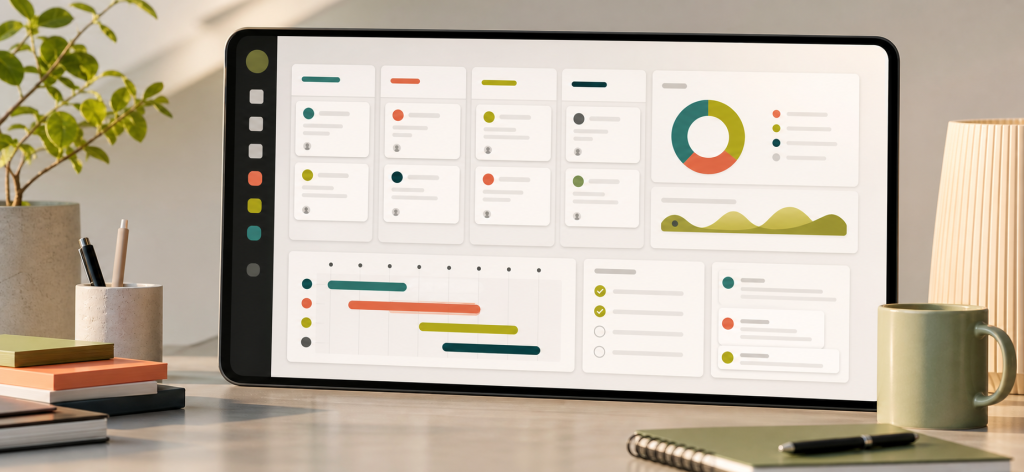
Is Trello the right project management tool for you?
Trello is a strong fit for simple kanban boards, lightweight task tracking, and teams that want almost no setup before work becomes visible.
What Trello should help you see
A good Trello board makes the next action obvious. The value is not complexity; it is the speed of seeing what is waiting, what is moving, what is blocked, and what is done.
- Look for boards, lists, cards, checklists, labels, due dates, and power-ups.
- Test whether the team can use the board without a training session.
- Check whether simple boards are enough before adding more tools around them.
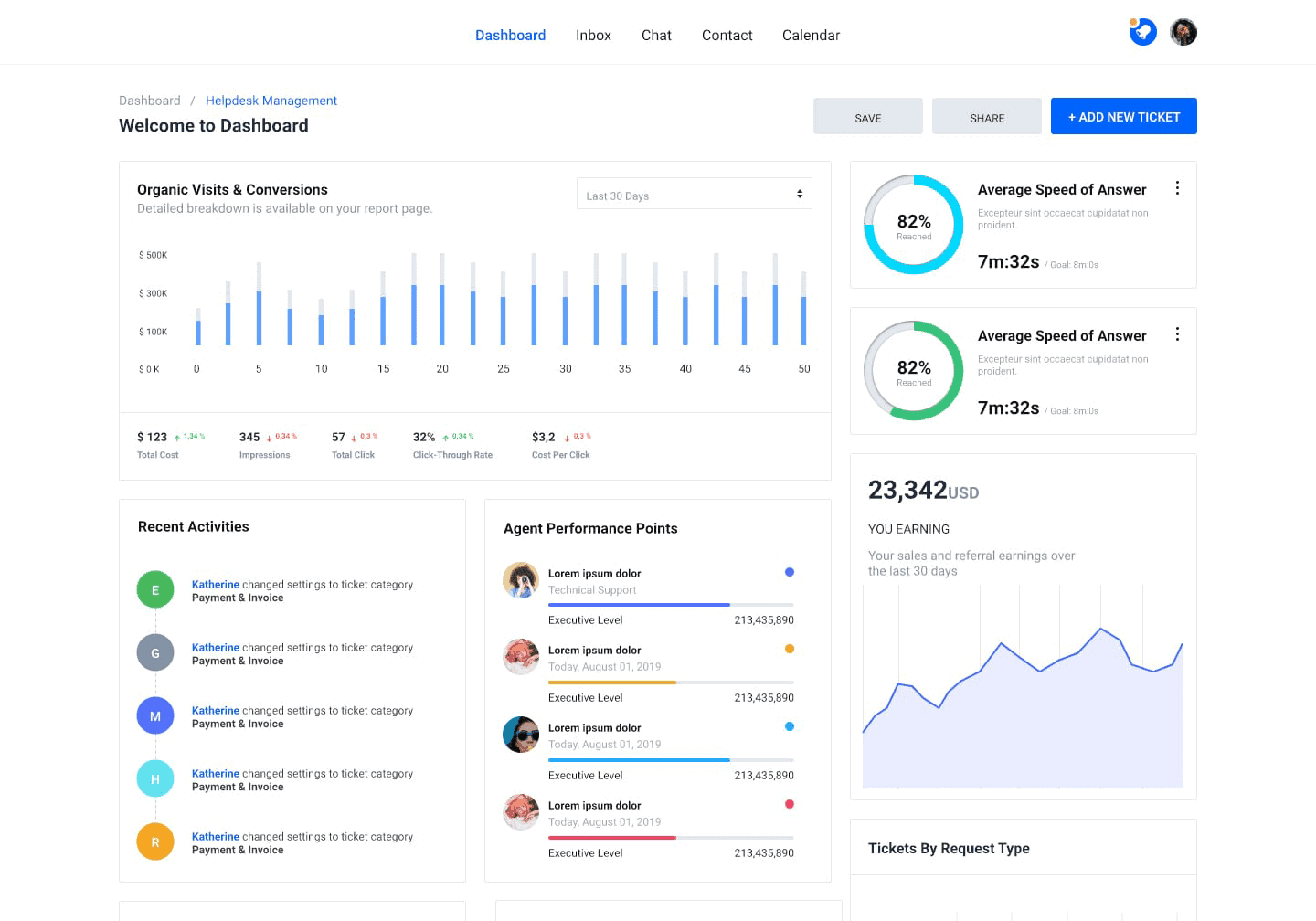
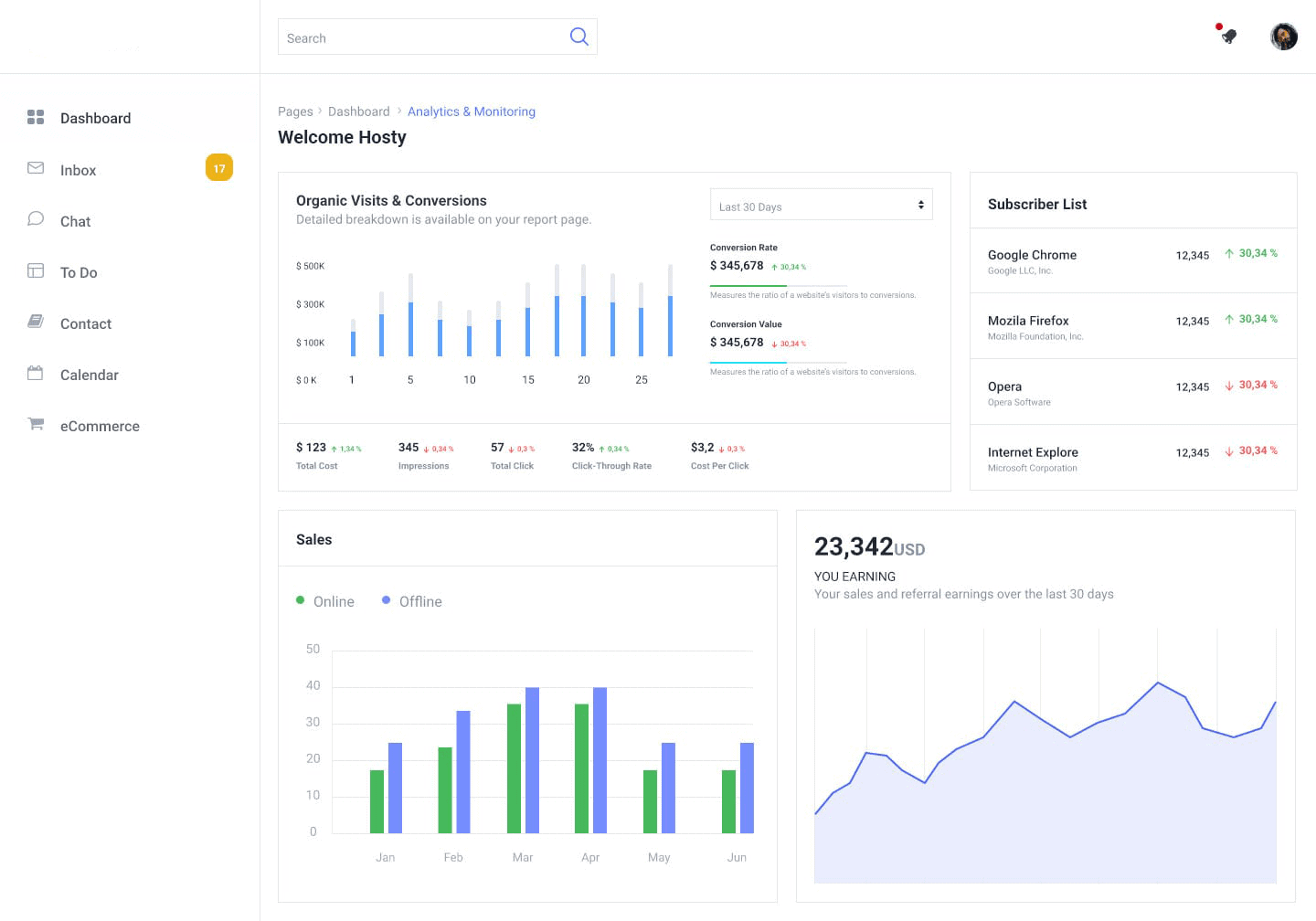
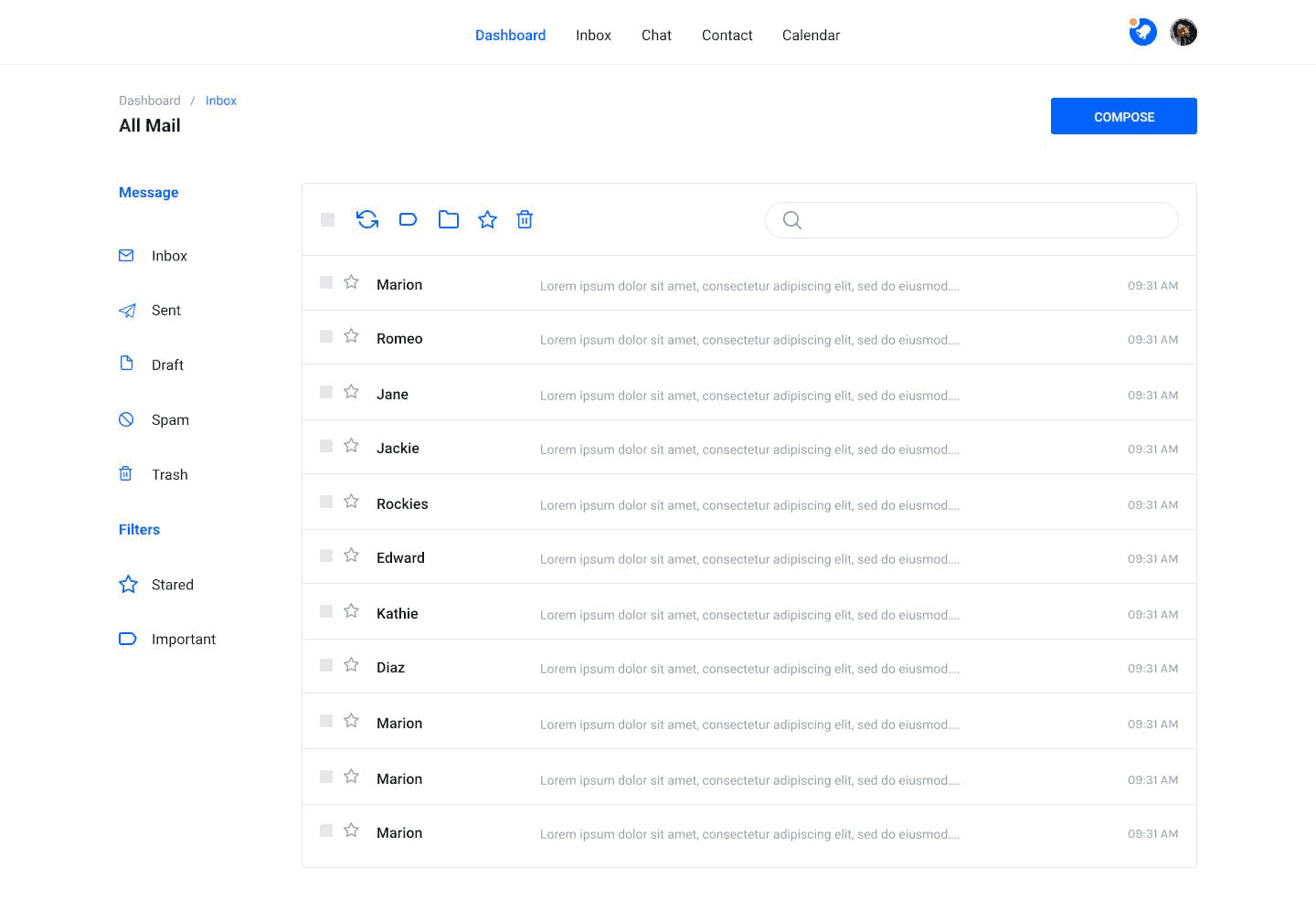
Screenshots

Quick verdict
Choose Trello if the team needs a simple visual board more than advanced reporting, automation, documentation, or client operations.
Best alternatives
- monday.com: better if simple boards are not enough and you need dashboards.
- Nifty: better if you want boards plus docs, milestones, and team discussion.
Trello is best for
- Simple to-do, doing, done workflows.
- Small teams that want low-friction adoption.
- People who prefer boards over complex project plans.
- Projects where visibility matters more than process control.
It may not be best if
- You need detailed reporting, workload planning, or approvals.
- You want docs, dashboards, and automation in one app.
- You expect the tool to grow into a full work management system.
Before you sign up
Use a real board
Create one actual workflow and see whether the board still works after a week of updates.
Check power-up needs
If you need many add-ons, compare an all-in-one tool before committing.
Plan the upgrade path
If your team grows, monday.com or Nifty may provide a better next step.
All alternatives
Trello is excellent when a simple board is enough. Compare it with tools that add dashboards, docs, reporting, client delivery, or business admin before choosing.
ClickUp monday.com Asana Notion Trello Basecamp Wrike Teamwork.com Zoho Projects Nifty Bonsai